Illustrative example
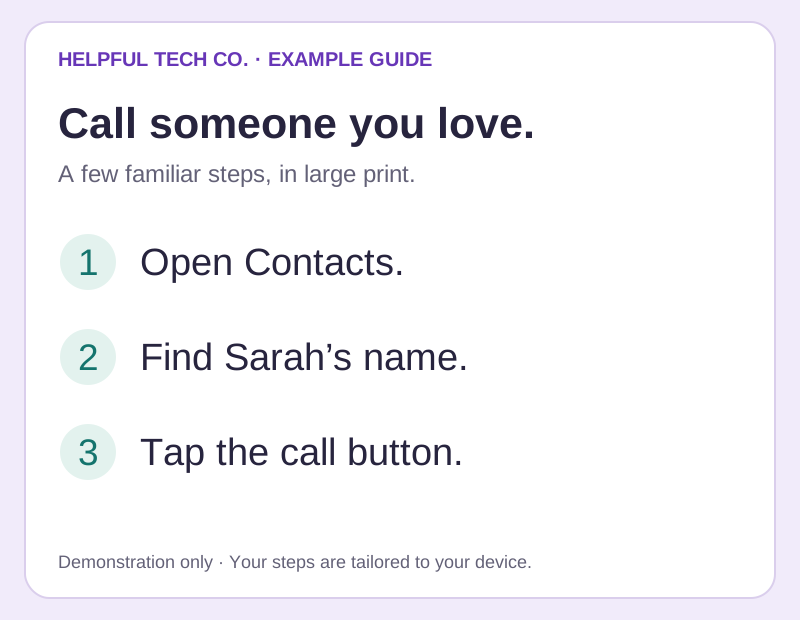
Large-print step cards
The everyday task, in a few clear steps. Useful for a call, a favourite app or a setting you want to find again.
View the large-print step cards example at full size ↗Clear notes left behind
You shouldn’t have to remember every tap from a visit. We can turn the useful steps into a guide that sounds like the conversation we had—and looks like the technology you use.
Explore the examples ↓
Illustrative example
The everyday task, in a few clear steps. Useful for a call, a favourite app or a setting you want to find again.
View the large-print step cards example at full size ↗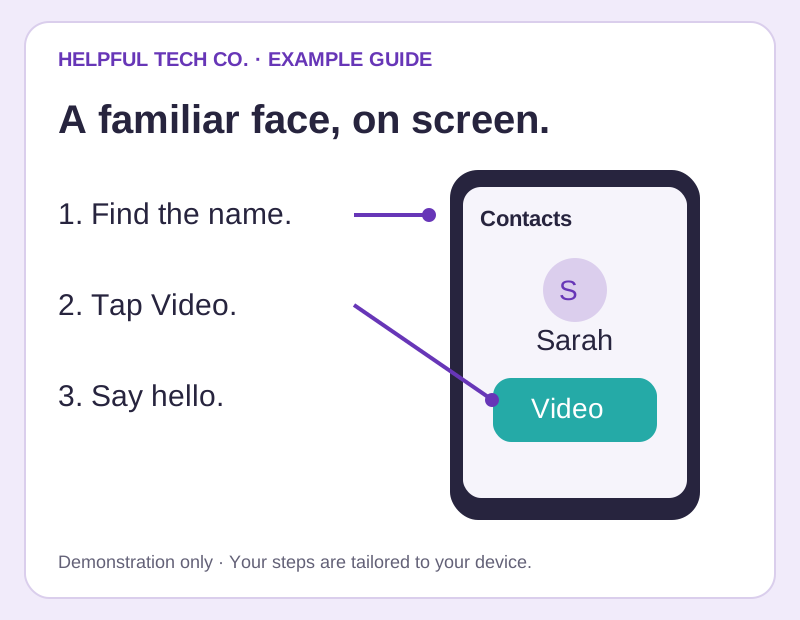
Illustrative example
A picture of the screen, a clear marker and a short instruction. Your own guide can use photos of your actual device so the buttons look familiar.
View the picture walkthroughs example at full size ↗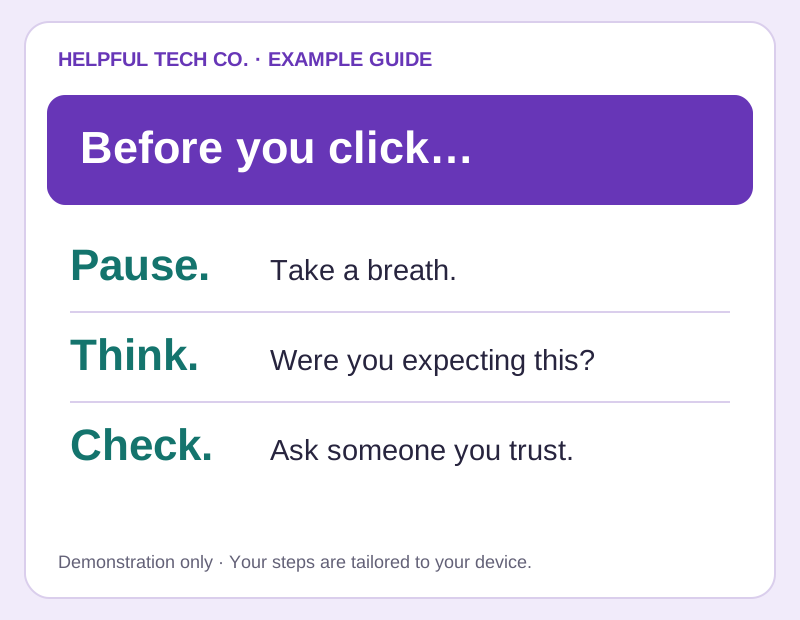
Illustrative example
A short reminder where you’ll see it. For example, the Scam-Proof package includes a laminated, large-print What NOT to Click sheet.
View the fridge-side reminders example at full size ↗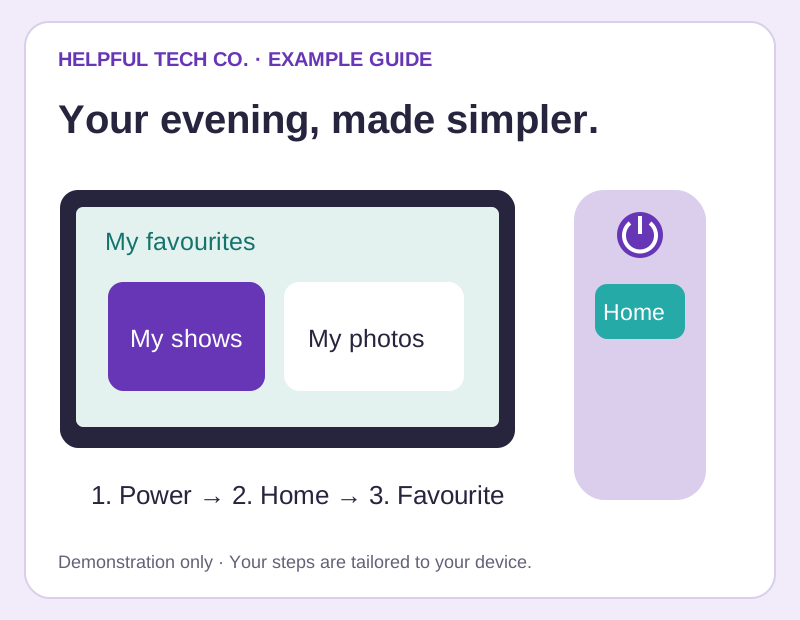
Illustrative example
A little collection of the useful bits: starting the TV, opening a family call or finding saved memories. Some packages include a laminated version.
View the personalised visual playbooks example at full size ↗Made useful for you
We can use large type, short numbered steps, clearly marked pictures and the names you use for things. During your visit, we practise the steps together and check that the guide is easy for you to follow.
The exact format depends on your package and task. Fresh Start includes a personalised screen-based guide; Family Care includes a laminated visual playbook; the independence-session bundle includes printed reference notes after each session.
Check what’s included in each package →